Seen from IT's side, the picture changes, and the supposed unwillingness turns into a sum that is easy to follow. This article takes that perspective, because as an external with several clients you meet this refusal regularly, and because it is worth understanding why it comes so often and why in most cases it is justified.
From the point of view of IT security, every permission granted creates another route by which company data can leave the house. IT can check what a tool retrieves today, but it can hardly judge what the provider behind it does with the data, where it stores it, who has access at the provider, and how all of this behaves after the next update or the next change of ownership. Responsibility adds to this, because if something goes wrong, IT is accountable and not the freelancer who brought the tool along.
The second point is easily overlooked. A large company does not have one external but hundreds or thousands, and every permission granted to one must in practice apply to all, because unequal treatment can neither be justified nor controlled. Your small request thus becomes, in IT's sum, a policy that affects thousands of accounts, and the no is then not a refusal but the only outcome that can be managed.
How much work hides behind an apparently small yes becomes clear when you look at the questions that would have to be answered before a permission is granted.
Each of these questions is a review effort that can hardly be justified for the calendar sync of a single external, and that is why the decision so rarely goes in favor of the tool.
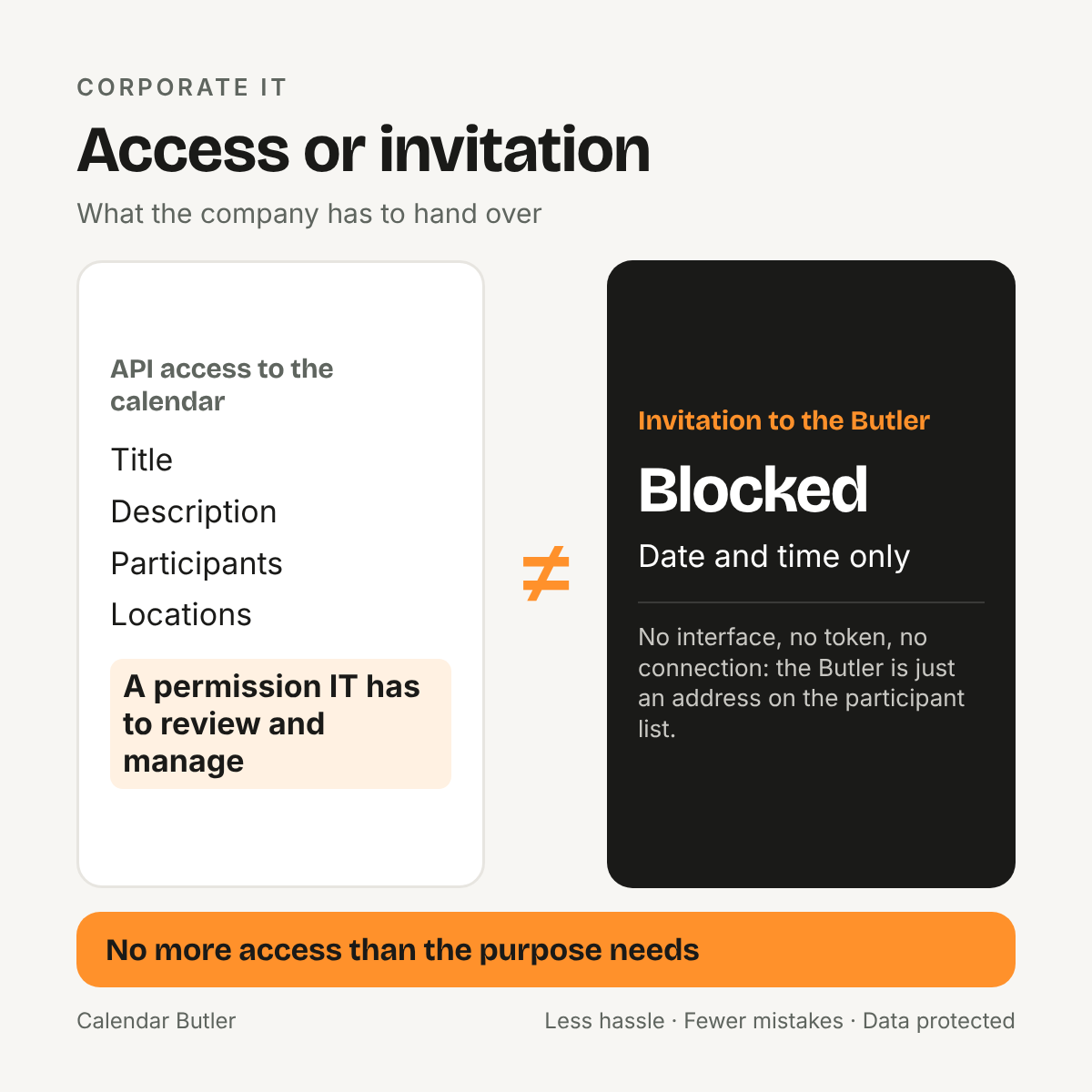
The way out is to turn the question around. Instead of thinking about how to get IT to grant access, it is worth asking what you need access for in the first place. To avoid double bookings you need neither title nor participants nor location, but start and end, and you already have that information because it is in the invitation that reaches you. Access to the corporate calendar therefore demands more than the purpose requires, and in this sense IT is right to refuse, because it protects the company from handing out more than necessary.
The Calendar Butler therefore works without an interface. It is invited to an appointment like any other participant, reads the invitation once, takes the date and time from it and sends a neutral block labeled “Blocked” to your other calendars. There is no permission to grant, no token to manage and no connection to review, because from the company's point of view the Butler is an address on a participant list.
To be honest, IT keeps the last word here too, since each company decides for itself whether external addresses may be invited to appointments. For very restrictive environments, for instance with their own requirements for where processing takes place, the Calendar Butler is therefore also available on a dedicated server or for operation in your own house, by arrangement and on request.
Once you have understood this, you conduct the conversation with IT differently, because you no longer have to ask anything of it. You do not have to convince it either, because the way that prevents double bookings does without what it rightly does not hand out.
 Calendar Butler